Videos
Simplified planning for control cabinet engineering with clipx ENGINEER
Phoenix Contact
Simplified planning is one of the key features of clipx ENGINEER – the high-performance planning software for your control cabinet projects. But what does a simplified planning mean concretely? This COMPLETE line video gives in insight into different options.
►The auto-correction function adds necessary accessories to terminals blocks.
►On the left side of the screen you can find the project tree and on the right side you find the insertion center. Above multiple functions of the clipx ENGINEER are displayed.
►To use the auto-correction function we add new terminal block to the DIN rail. In the insertion center we search for a new terminal like the PT4. Now you have different options to add it to the DIN rail - via double click or easy via drag-and-drop.
►If we start the auto-correction we get different options to correct it. This way the software adds a cover and an end-clamp to the DIN rail. Clipx ENGINNER supports planners to realize their projects. With automated functions engineering processes become much more efficient.
►Visit us at https://phoe.co/clipxENGINEER-software
►Subscribe to our YouTube channel to get the latest news and updates: https://phoe.co/subscribe
Related
-
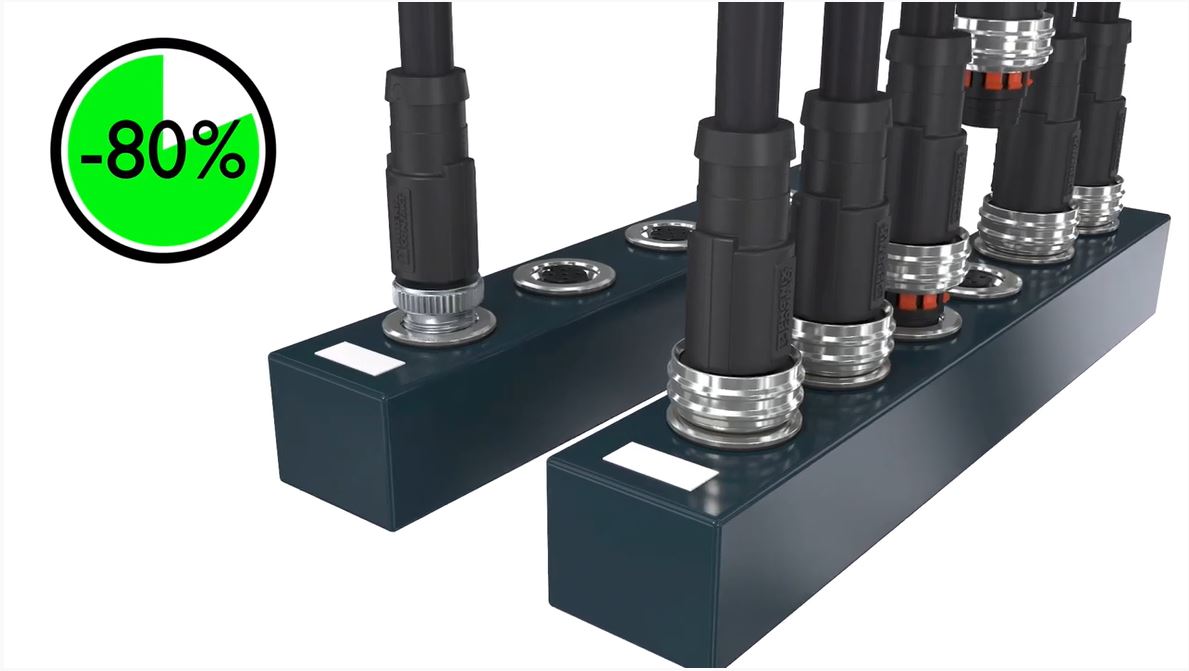
M12 push-pull connectors – The new standard in automation technology
- Phoenix Contact
- Passive / Connections / mechanical parts
-

Kompakte Tragschienenadapter für Datenverkabelung - PHOENIX CONTACT
- Phoenix Contact
- Passive / Connections / mechanical parts
-
Hybrid-Motorstarter Technologie CONTACTRON - PHOENIX CONTACT
- Phoenix Contact
- Company / Market Trends
-

Motormanagement mit CONTACTRON - PHOENIX CONTACT
- Phoenix Contact
- Power Supply
-

Störfeste QUINT POWER-Stromversorgung für extreme Bedingungen - PHOENIX CONTACT
- Phoenix Contact
- Power Supply
-
TRIO POWER - Robuste Stromversorgungen - PHOENIX CONTACT
- Phoenix Contact
- Power Supply
-

SUNCLIX Photovoltaik Steckverbinder - PHOENIX CONTACT
- Phoenix Contact
- Passive / Connections / mechanical parts
-
Gute Gründe für den PROJECT complete - PHOENIX CONTACT
- Phoenix Contact
- Company / Market Trends
-
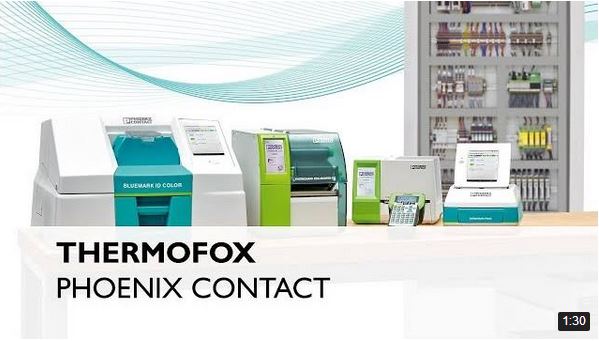
Gute Gründe für den THERMOFOX - PHOENIX CONTACT
- Phoenix Contact
- Company / Market Trends
-

Gute Gründe für den THERMOMARK CARD - PHOENIX CONTACT
- Phoenix Contact
- Company / Market Trends
-

Gute Gründe für den TOPMARK NEO - PHOENIX CONTACT
- Phoenix Contact
- Company / Market Trends
-

Gute Gründe für den THERMOMARK PRIME - PHOENIX CONTACT
- Phoenix Contact
- Company / Market Trends
-

Outdoor-Gehäuse ECS - PHOENIX CONTACT
- Phoenix Contact
- Company / Market Trends
-

Radioline – Parallelbetrieb mehrerer Funkstrecken mittels CONF-Stick - PHOENIX CONTACT
- Phoenix Contact
- Power Supply
-
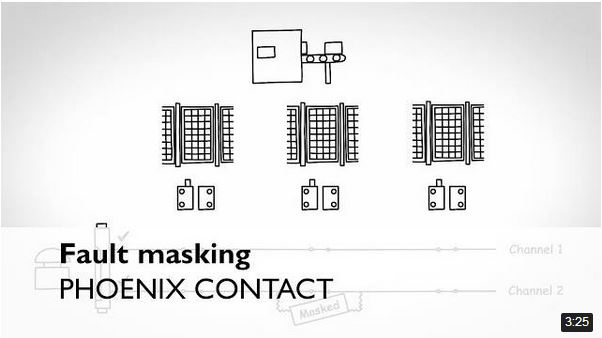
Fehlermaskierung vermeiden mit PSRswitch - PHOENIX CONTACT
- Phoenix Contact
- Company / Market Trends
-

Gebäudemanagement App MyEmalytics von Phoenix Contact
- Phoenix Contact
- Company / Market Trends
-
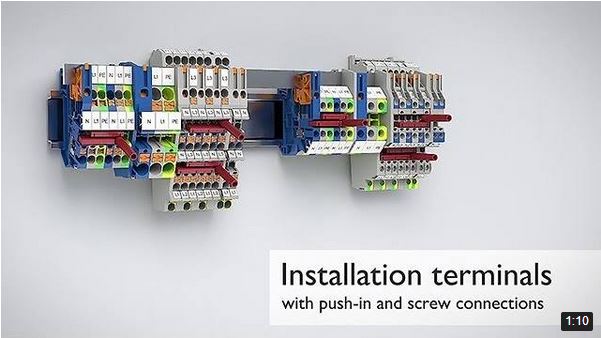
Installationsklemmen PTI/UTI - PHOENIX CONTACT
- Phoenix Contact
- Passive / Connections / mechanical parts
-

Höchste Sicherheit mit den berührungslosen Sicherheitsschalter PSRswitch - PHOENIX CONTACT
- Phoenix Contact
- Equipment and control components
-
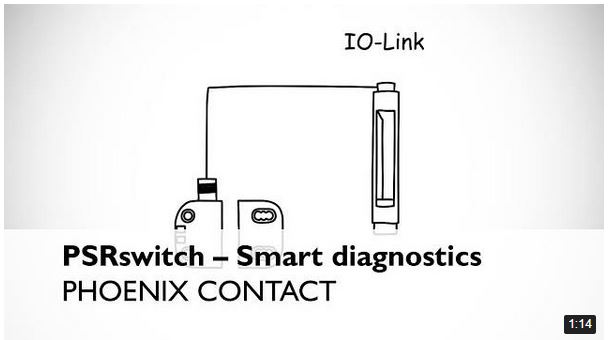
Smarte Diagnose via IO-Link mit den berührungslosen Sicherheitsschalter PSRswitch - Phoenix Contact
- Phoenix Contact
- Equipment and control components
-

Einfache Installation der berührungslosen Sicherheitsschalter PSRswitch - PHOENIX CONTACT
- Phoenix Contact
- Equipment and control components